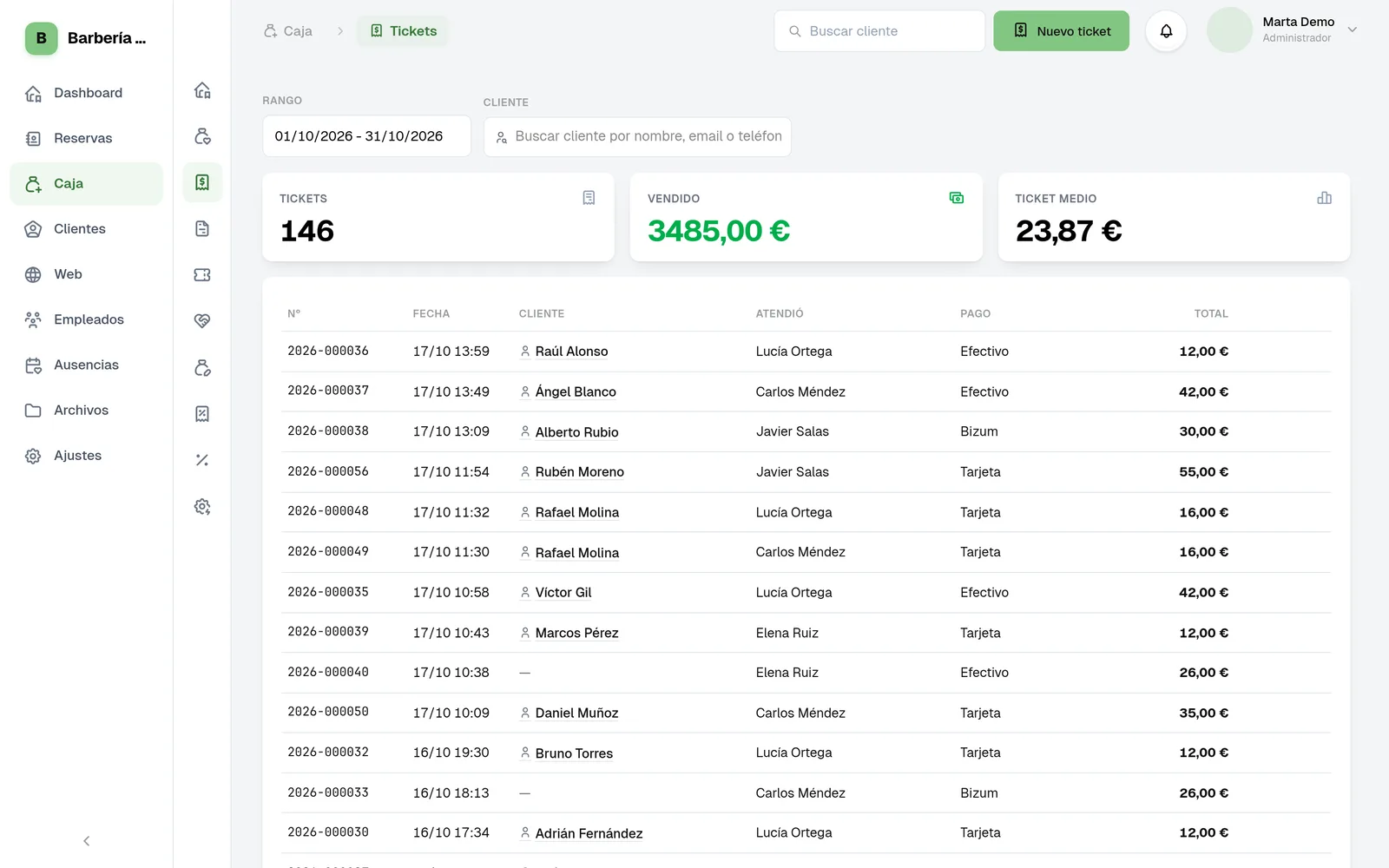
«?» help on every screen and team checkout
Every dashboard screen now has its own «?» help, and checkout separates your figures and your team's from the whole business, now in «Caja › Movimientos».
Author
Every dashboard screen now has its own «?» help, and checkout separates your figures and your team's from the whole business, now in «Caja › Movimientos».
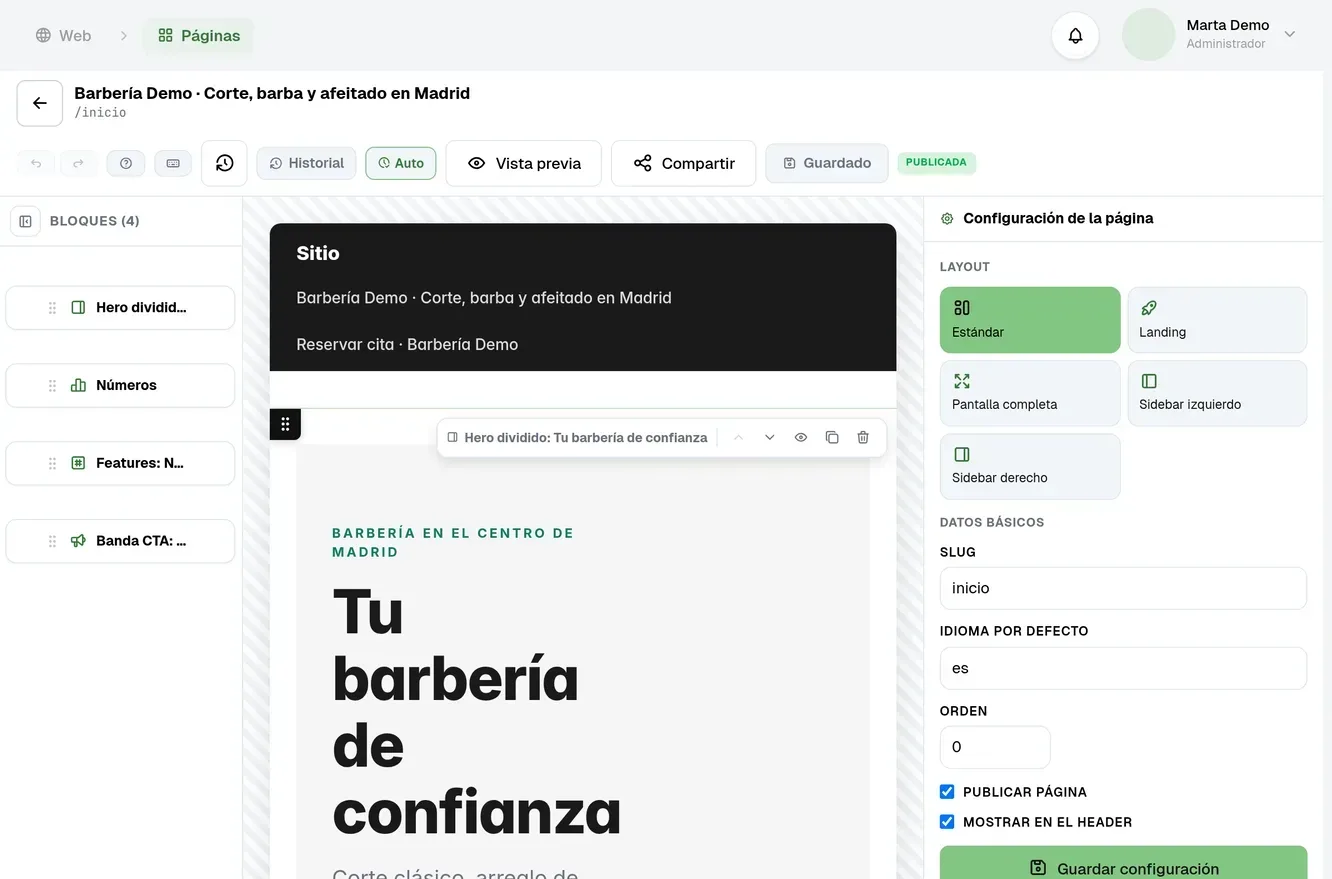
Build your pages with blocks, get the title ready for Google, share the draft with a link and publish it when it's ready.
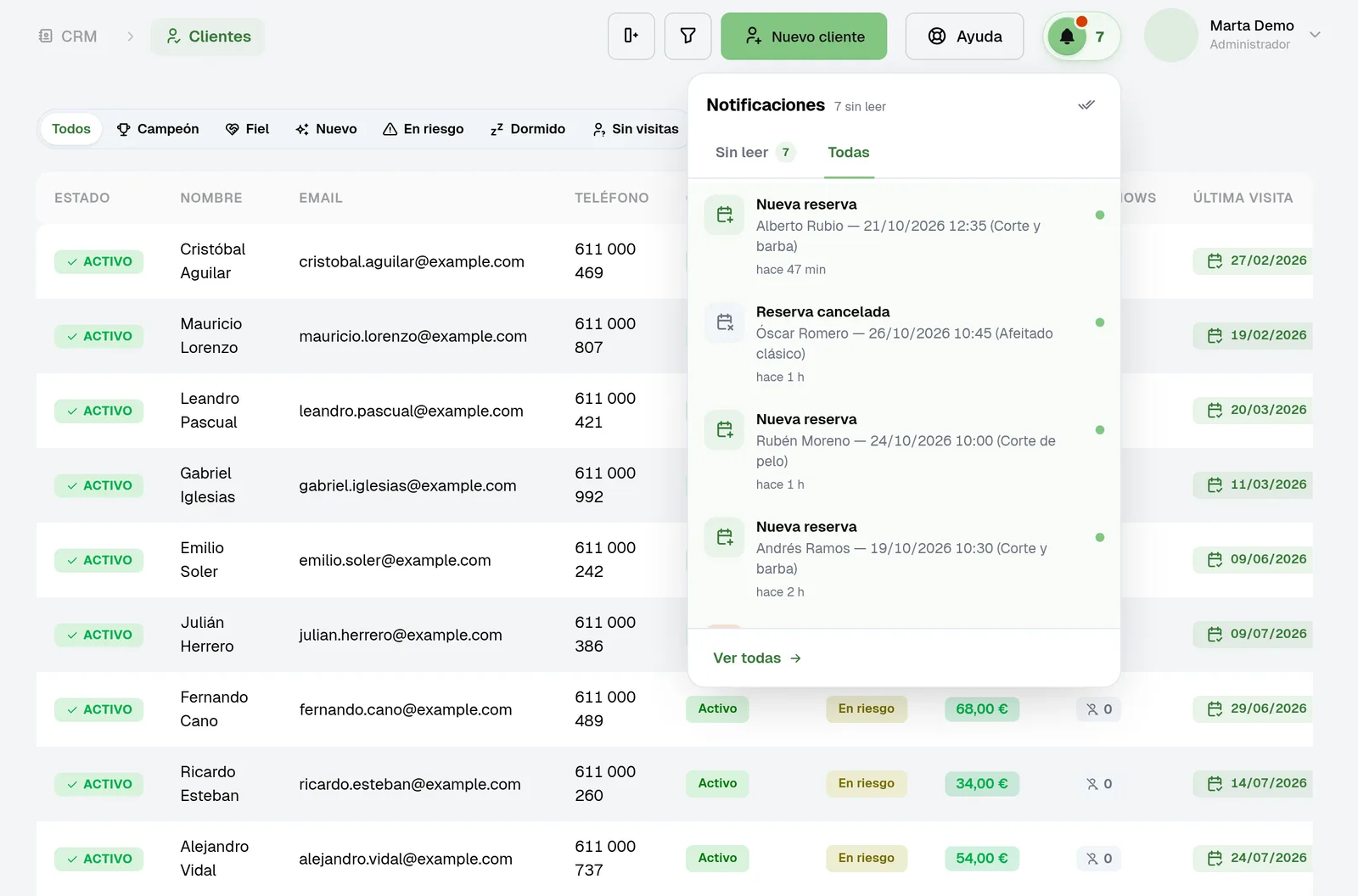
Choose which alerts you get and on which channel, link Telegram in a minute and set up the daily summary and your clients' appointment reminders.
You can now connect your own email account so confirmations, receipts and notifications go out from your business's address.
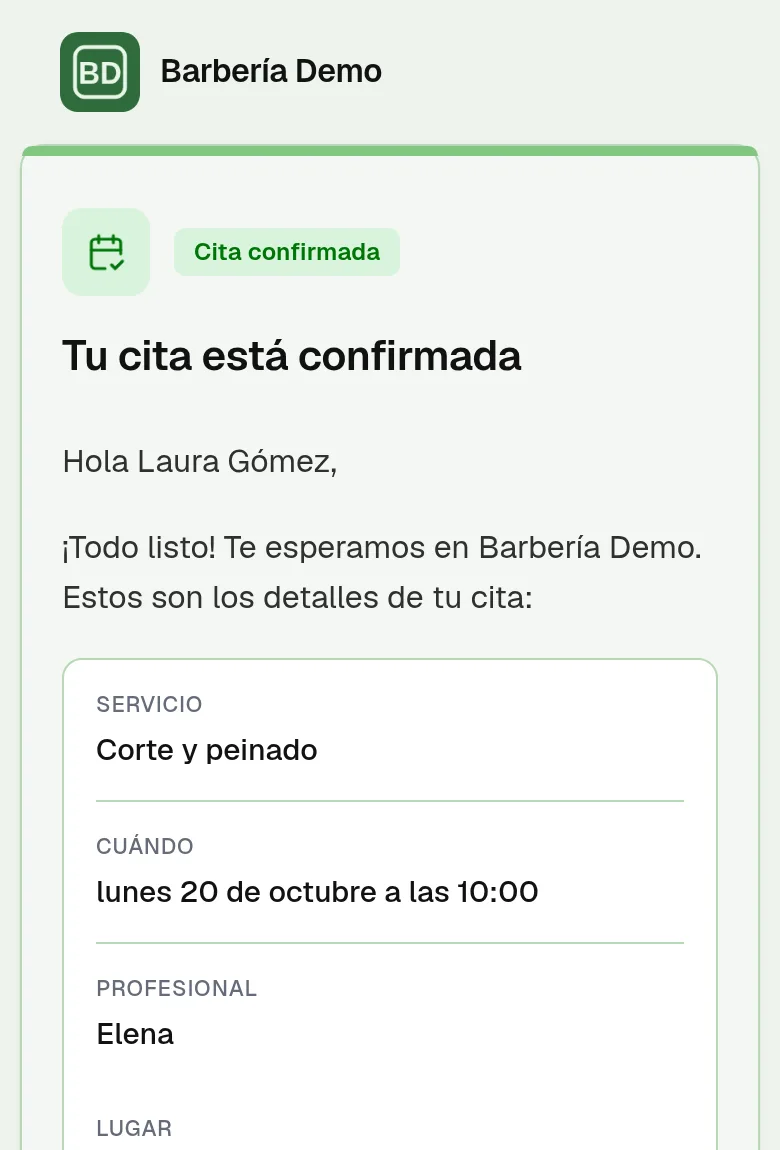
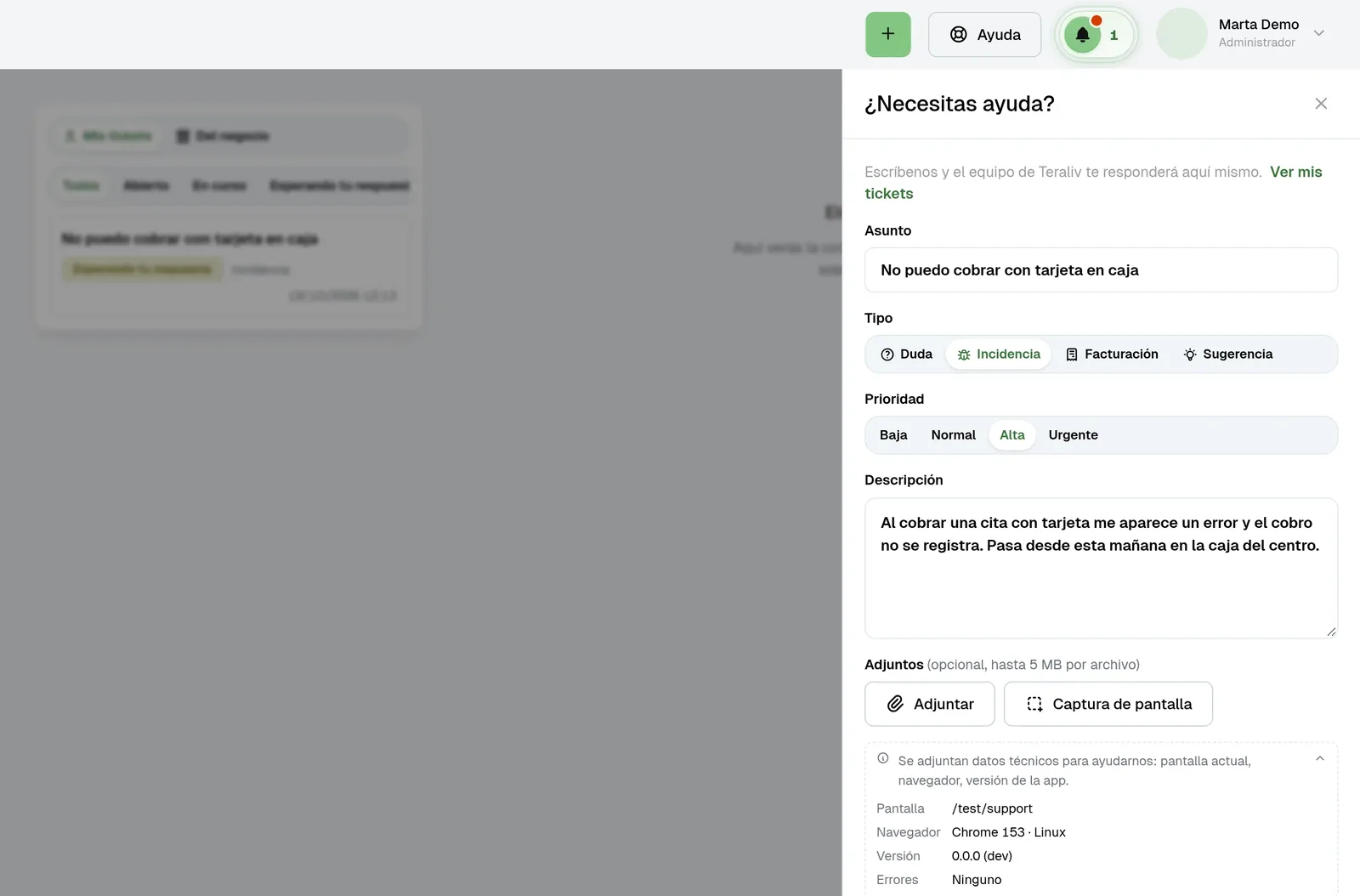
Click «Ayuda» (Help), tell us what's happening and follow the conversation in «Mis tickets» (My tickets). Your business emails also get a new look with your logo and colours.
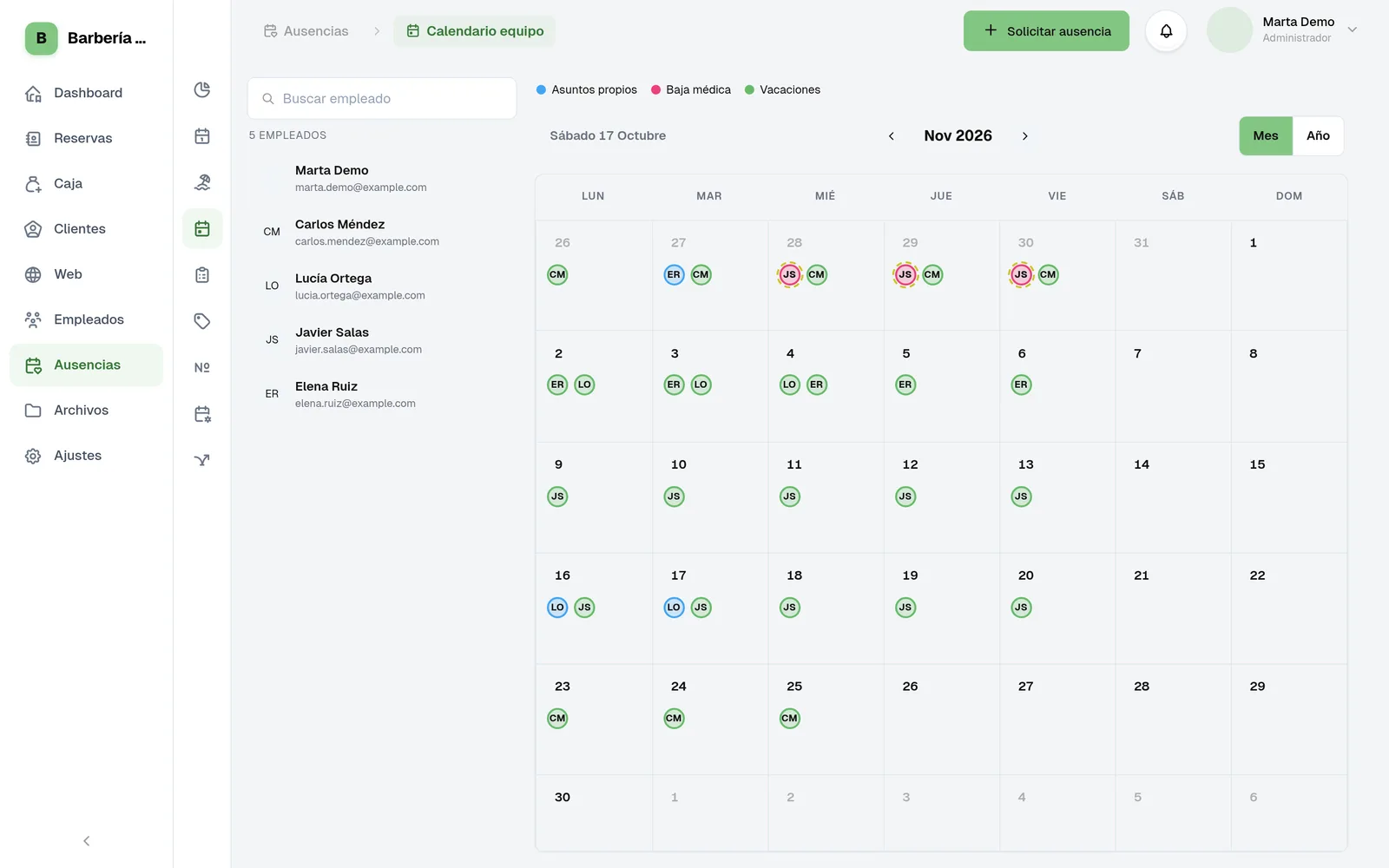
Set up absence types and your work calendar once, and let your team request their days in Teraliv while the calendar blocks itself.
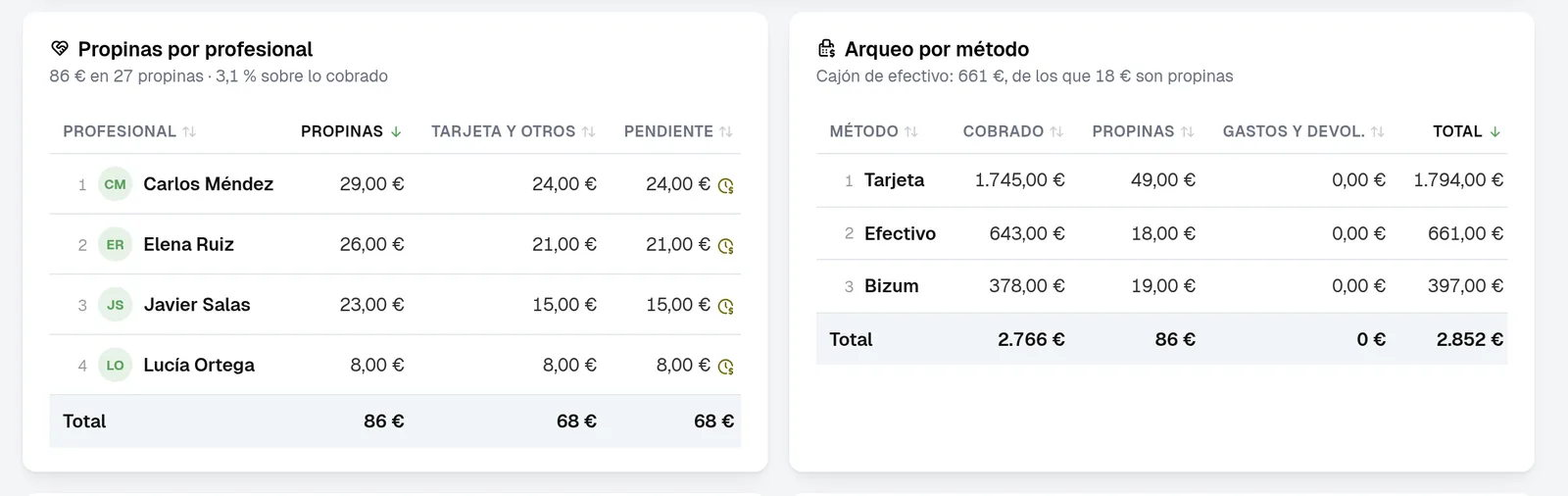
Cash-up by method, payments without a receipt, tips and appointments waiting to be closed: the five-minute routine to balance your till every night.
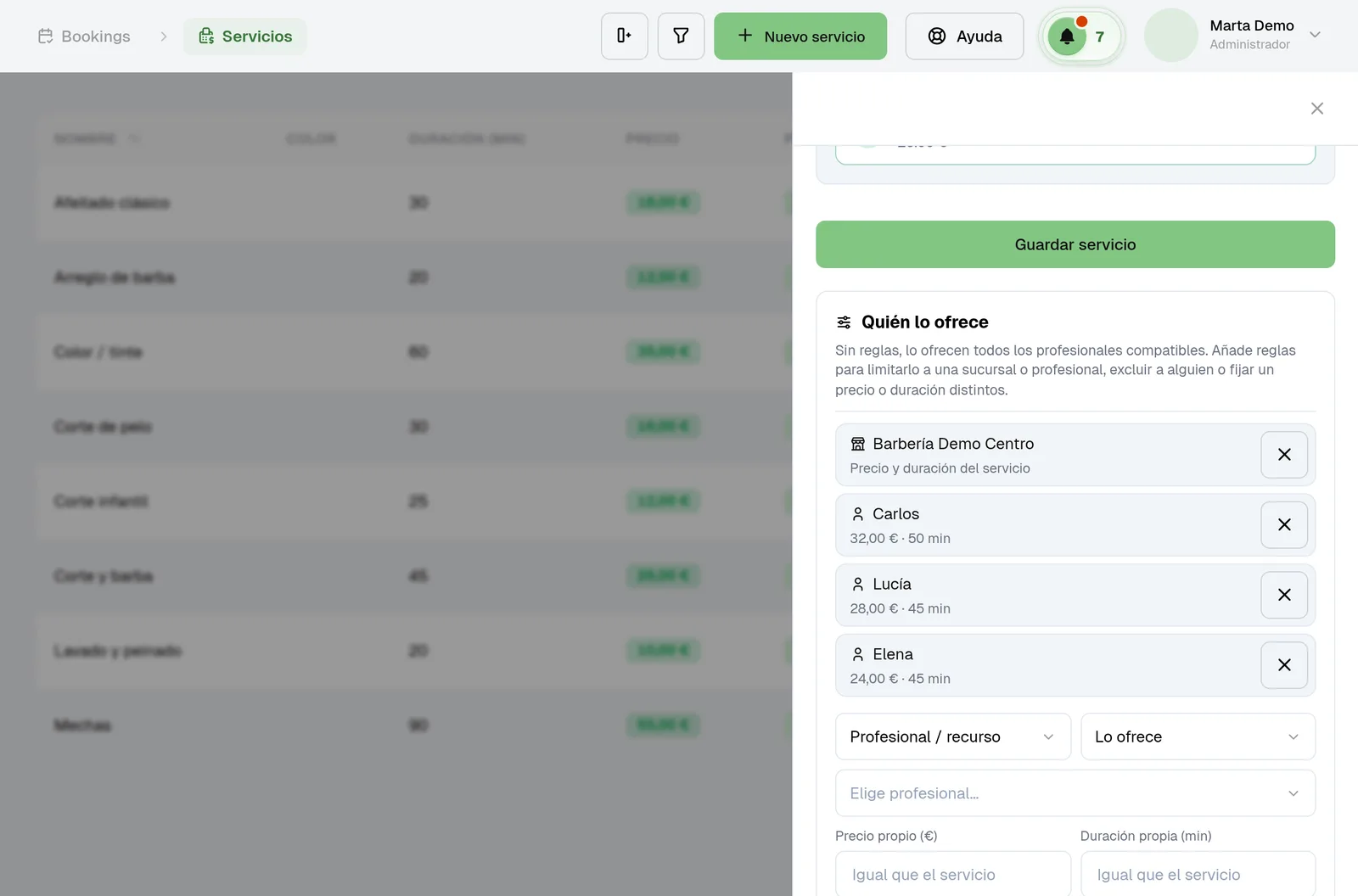
Location, resources, services and closures: the four steps to get your calendar and online booking working from day one.
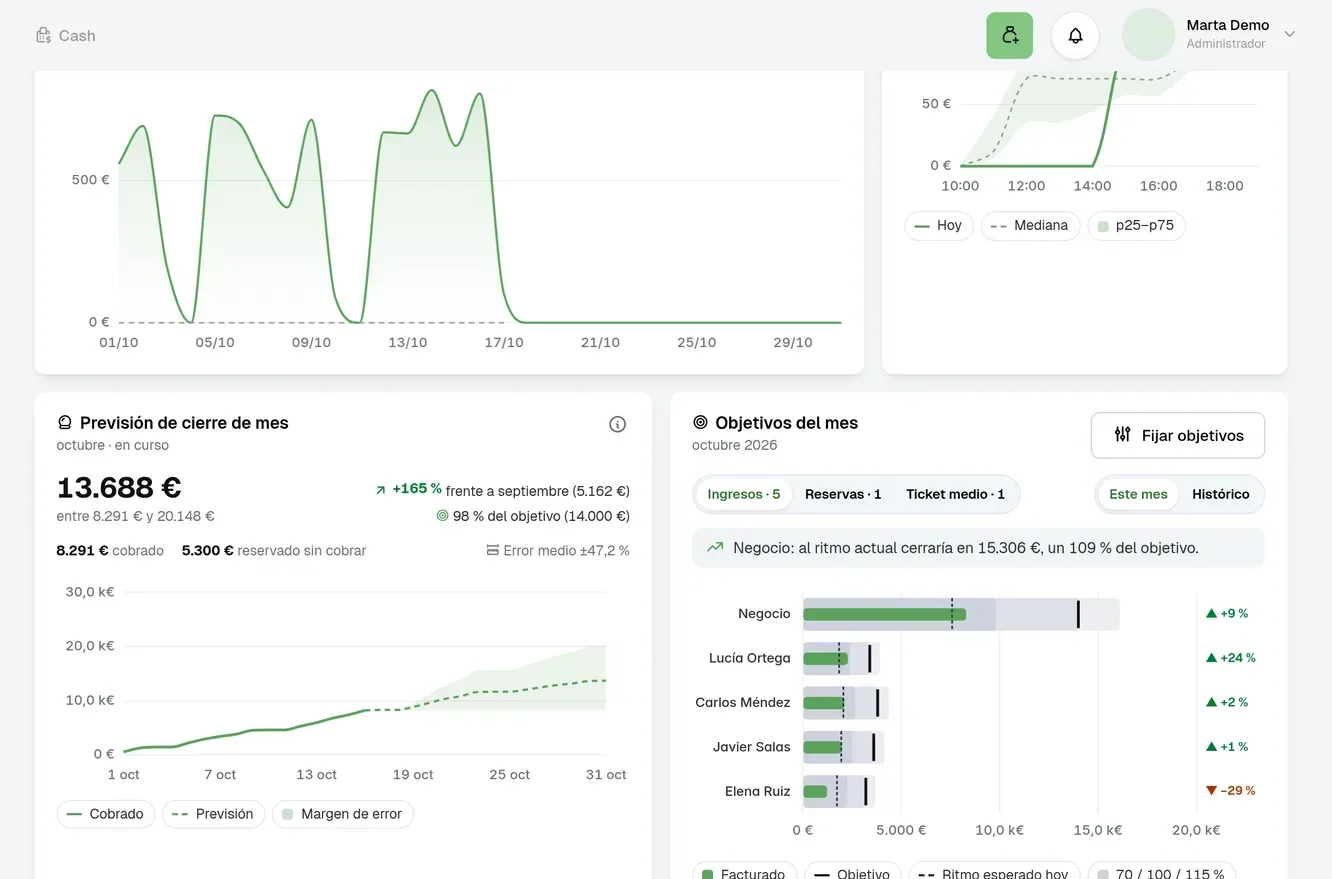
Set targets for the month, see how it will end with the forecast, request documents with a link and get your team to sign without printing anything.