«?» help on every screen and team checkout
Every dashboard screen now has its own «?» help, and checkout separates your figures and your team's from the whole business, now in «Caja › Movimientos».
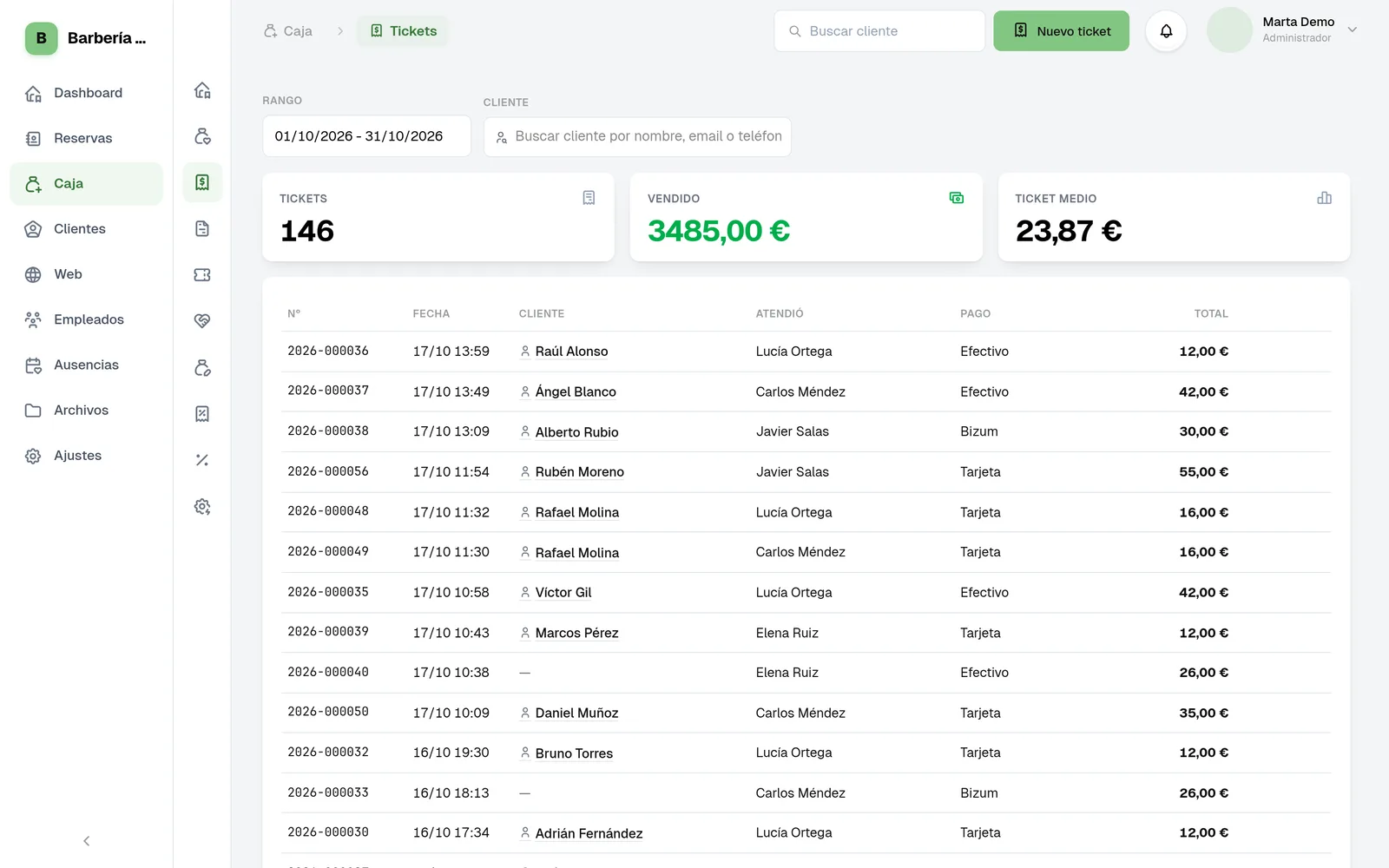
Two changes you'll notice from today: help inside every screen and a clearer checkout for anyone who manages a team.
«?» help on every screen
Next to the title of each screen, and in the less obvious sections and fields, you'll see a «?» icon. Clicking it opens a short explanation: what it is, what it's for and how to use it, with the steps where there are any and a tip or two.
There's help on the home screen, bookings, checkout, clients, team, time off, website, notifications, files, settings and support. For example:
- In a location, what «Modo de slots» (Slot mode) or «Citas pasadas sin cerrar» (Past appointments not closed) do.
- In checkout, what «Arqueo por método» (Cash-up by method) is and how to compare the cash drawer with the card terminal.
- In time off, where each person's balance of days comes from.
The help also opens with the keyboard and reads well on mobile. If something still isn't clear, the «Ayuda» (Help) button at the top puts you in touch with us.
Checkout by team
Until now, anyone with permission to manage the whole checkout saw business-wide figures on their dashboard, mixed in with their team's. Now they're separate:
- «Dashboard», «Mis Transacciones» (My transactions) and «Transacciones de Responsable» (Manager transactions) only show your own transactions and those of the people you manage, even if you have permission to manage the whole checkout. A label next to the period tells you what you're looking at.
- Tips work the same way: you see yours and your team's.
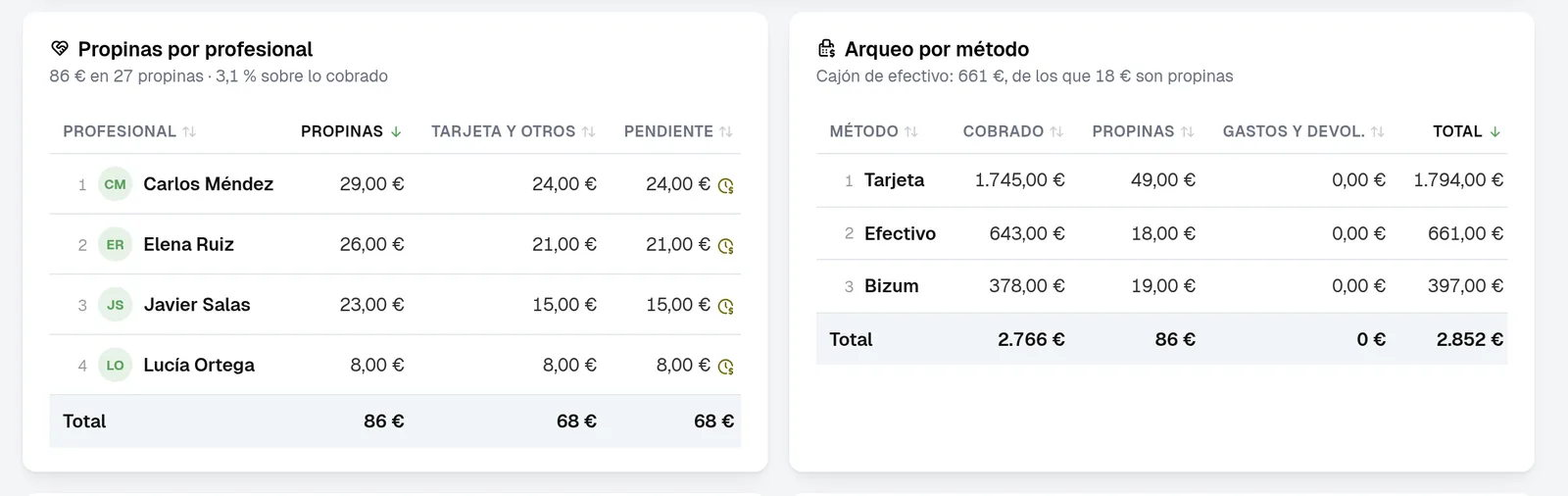
New «Caja › Movimientos» (Checkout › Transactions) view
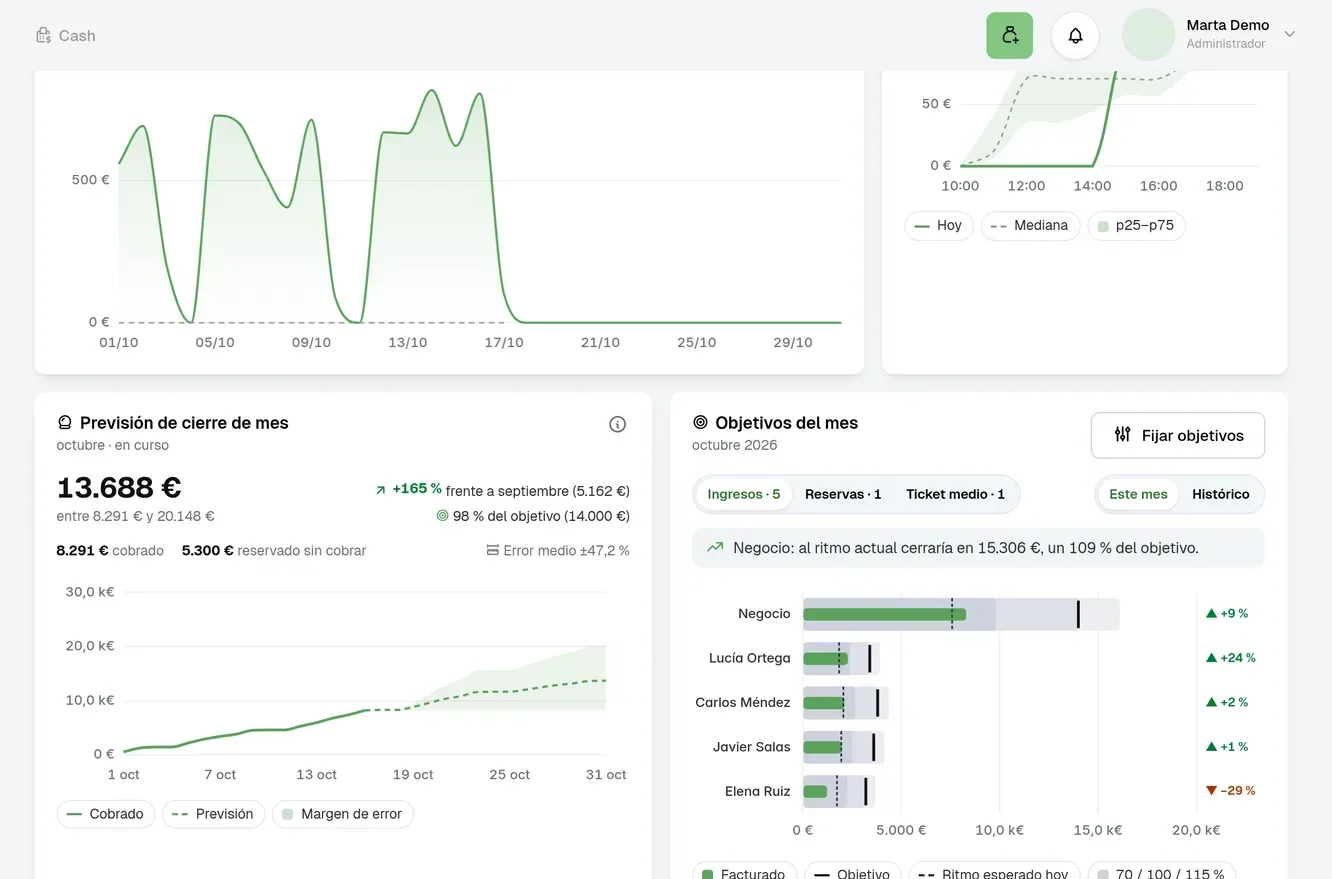
Business-wide figures now have their own place. «Caja › Movimientos» brings together every payment and expense, from any professional, with the period's totals, the team ranking, top-spending clients, client concentration, cash-up, tips and business targets.
- Only people with permission to manage the whole checkout can see it.
- You can filter by period, professionals, payment method or type.
- Tap a row to see the details, edit it, generate its receipt or issue the invoice.
- The whole business's monthly target is set here, with «Fijar objetivos» (Set targets).
So each manager works with their own team's numbers, and whoever runs the business has the full picture in one place. Everything you can do in checkout is on POS & checkout.
And a change in bookings
We've clarified the «Las reservas requieren aprobación» (Bookings require approval) option for each location, which was sometimes read as applying only to the website: when it's on, all new bookings, both those from the website and those created by the team, stay pending until someone approves them.
A checkout that balances itself
Payments from the calendar, receipts, invoices, packages, tips and cash-up by payment method.
You may also like
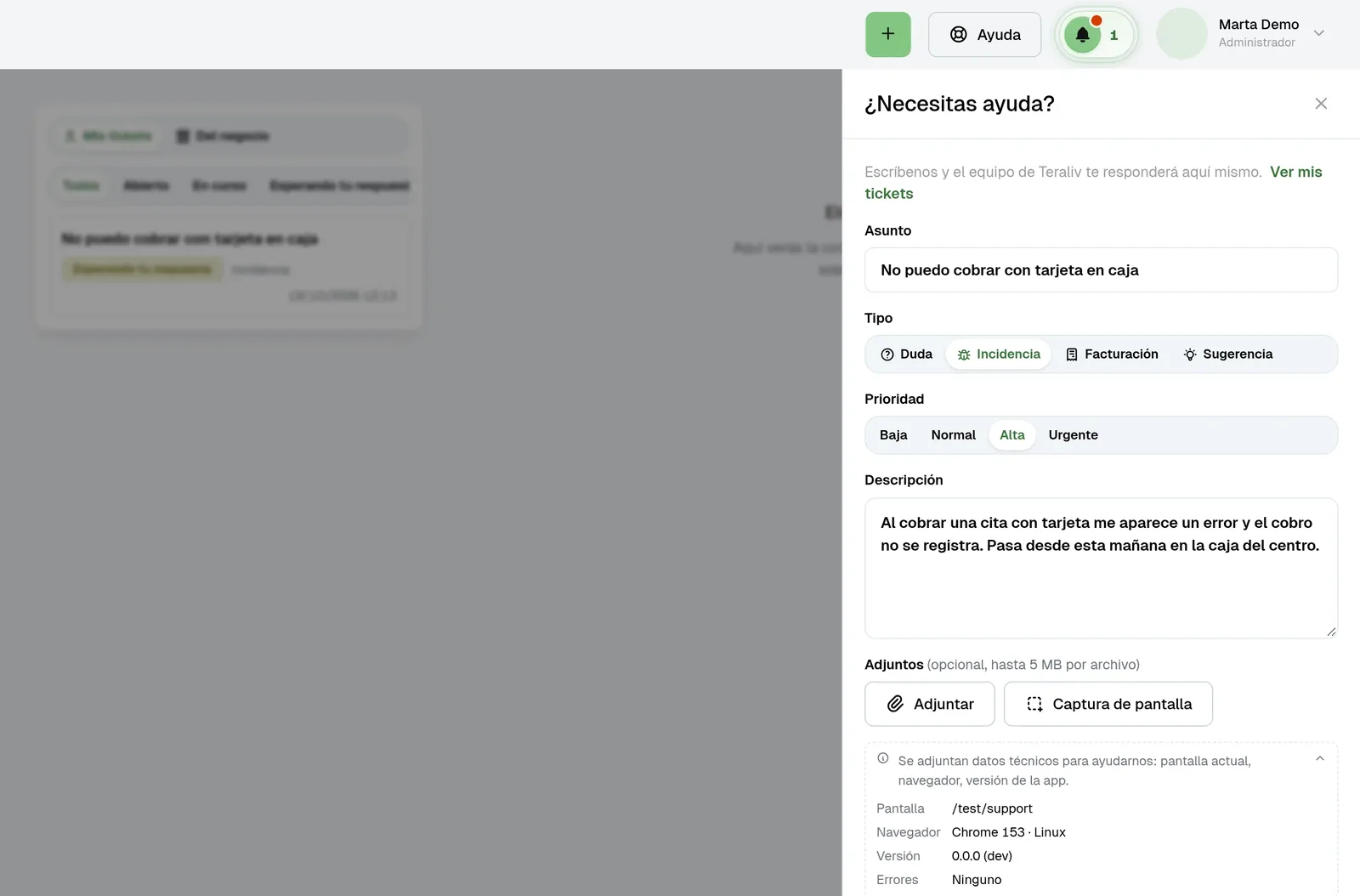
In-app support with the Help button
Click «Ayuda» (Help), tell us what's happening and follow the conversation in «Mis tickets» (My tickets). Your business emails also get a new look with your logo and colours.
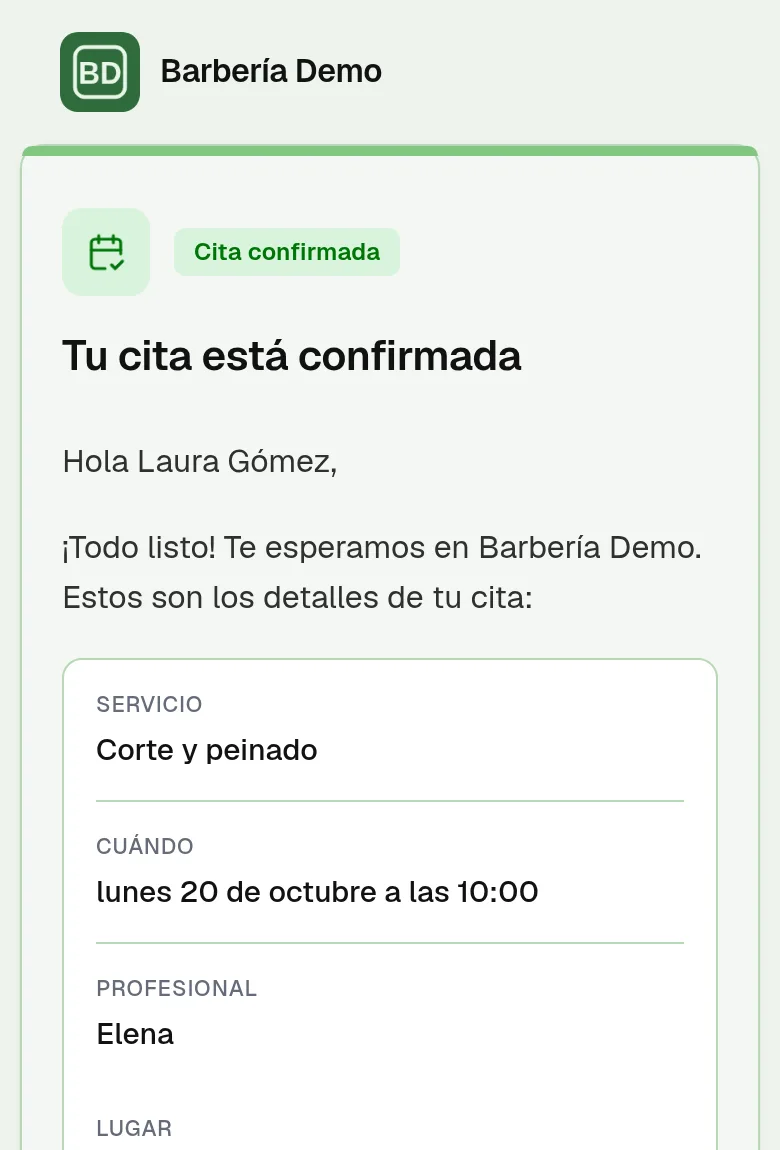
Send emails from your own business address
You can now connect your own email account so confirmations, receipts and notifications go out from your business's address.
Targets, forecasts and document signing
Set targets for the month, see how it will end with the forecast, request documents with a link and get your team to sign without printing anything.