How to balance the till at the end of the day
Cash-up by method, payments without a receipt, tips and appointments waiting to be closed: the five-minute routine to balance your till every night.
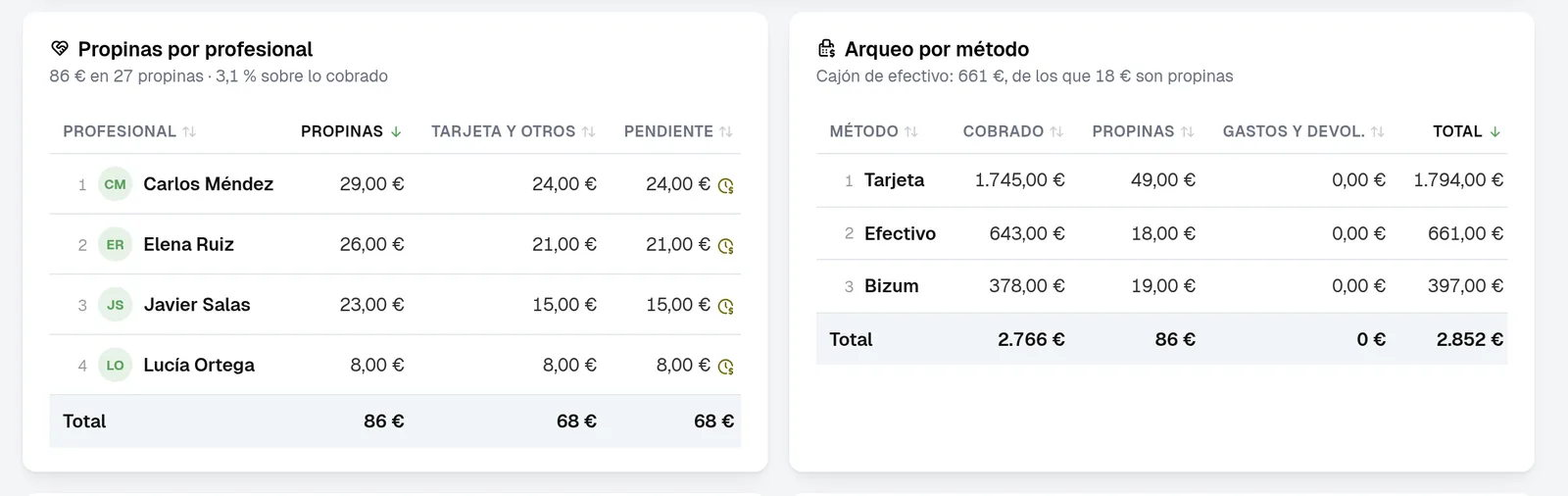
Balancing the till shouldn't take you half an hour with a calculator. If you take payments from the calendar and record every expense, Teraliv already knows what should be in the cash drawer and on the card terminal. This is the routine we recommend at the end of the day.
1. Close the day's appointments
An appointment nobody has marked as completed, paid or no-show throws off both your stats and your till. In «Reservas Equipo» (Team bookings) you'll find the «Pendientes de cerrar» (Waiting to be closed) list with appointments that have finished but are still open. Close them before you look at the numbers.
Tip
In the location settings, «Citas pasadas sin cerrar» (Past appointments not closed) can mark confirmed appointments that ended more than 24 hours ago as completed.
2. Group loose payments into receipts
If you recorded payments straight into checkout during the day, without a receipt, you can group them now. In the transactions list, select one or more payments without a receipt and click «Generar ticket» (Generate receipt): a numbered receipt is created that you can turn into an invoice if the client asks for one.
3. Check the cash-up by method
On the checkout dashboard, choose the day as the period and look for «Arqueo por método» (Cash-up by method). For each payment method you'll see what was taken, tips, expenses and refunds, and the total there should be. The cash drawer line tells you how much should be in cash, tips included.
Check everything balances
- 1
Count the cash in the drawer
Compare it with the cash drawer line in the cash-up.
- 2
Print the card terminal's end-of-day report
Compare it with the «Tarjeta» (Card) total.
- 3
Check Bizum and the other methods
Each one has its own line with its total.
- 4
If something doesn't add up, find the transaction
Tap a row in the list to see the details and correct it if needed.
4. Pay out tips
Tips are kept separate: they carry no VAT, aren't invoiced and don't count towards commission. Cash tips are treated as handed over straight away; card and other tips stay pending until you pay them to the professional. In «Propinas» (Tips) you can settle everything for one professional, or tip by tip under «Detalle» (Details), and undo it if you make a mistake.
What you see depends on your permissions
The checkout dashboard shows your transactions and those of the people you manage. If you run the whole business, every professional's figures, the overall cash-up and business targets are in «Caja › Movimientos» (Checkout › Transactions). That way each manager balances their own team and whoever runs the business reviews the total.
And at the end of the month
- «IVA trimestral» (Quarterly VAT) adds up the output and input VAT for the quarter, to help your accountant.
- The «Informe mensual» (Monthly report) on the home screen summarises the month's checkout, bookings and time off as a PDF or CSV.
Everything checkout does is on POS & checkout, and reports are on Reports & targets.
Close the day without doing sums by hand
Payments, receipts, tips and cash-up by payment method, connected to your calendar.
You may also like
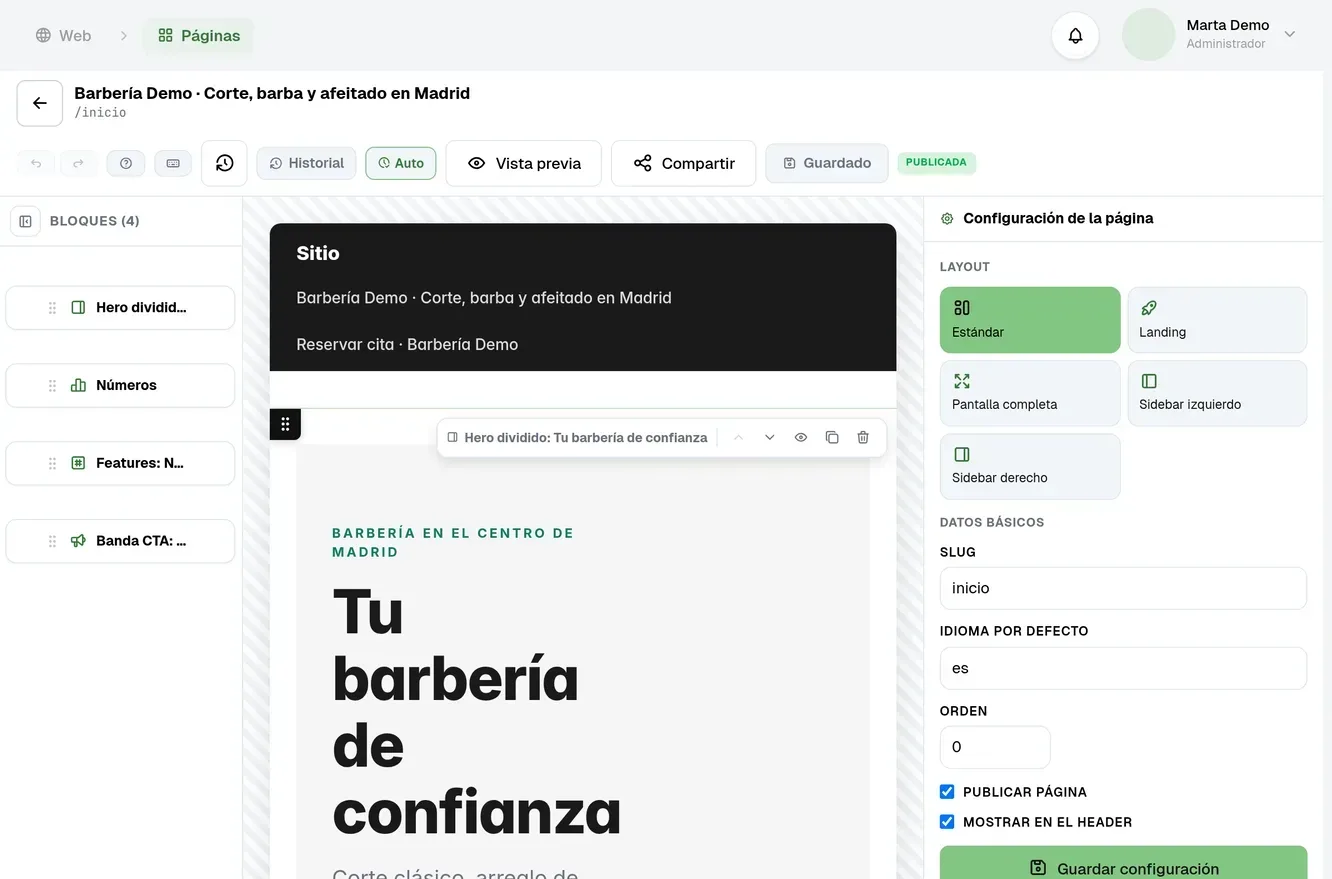
How to publish your business website
Build your pages with blocks, get the title ready for Google, share the draft with a link and publish it when it's ready.
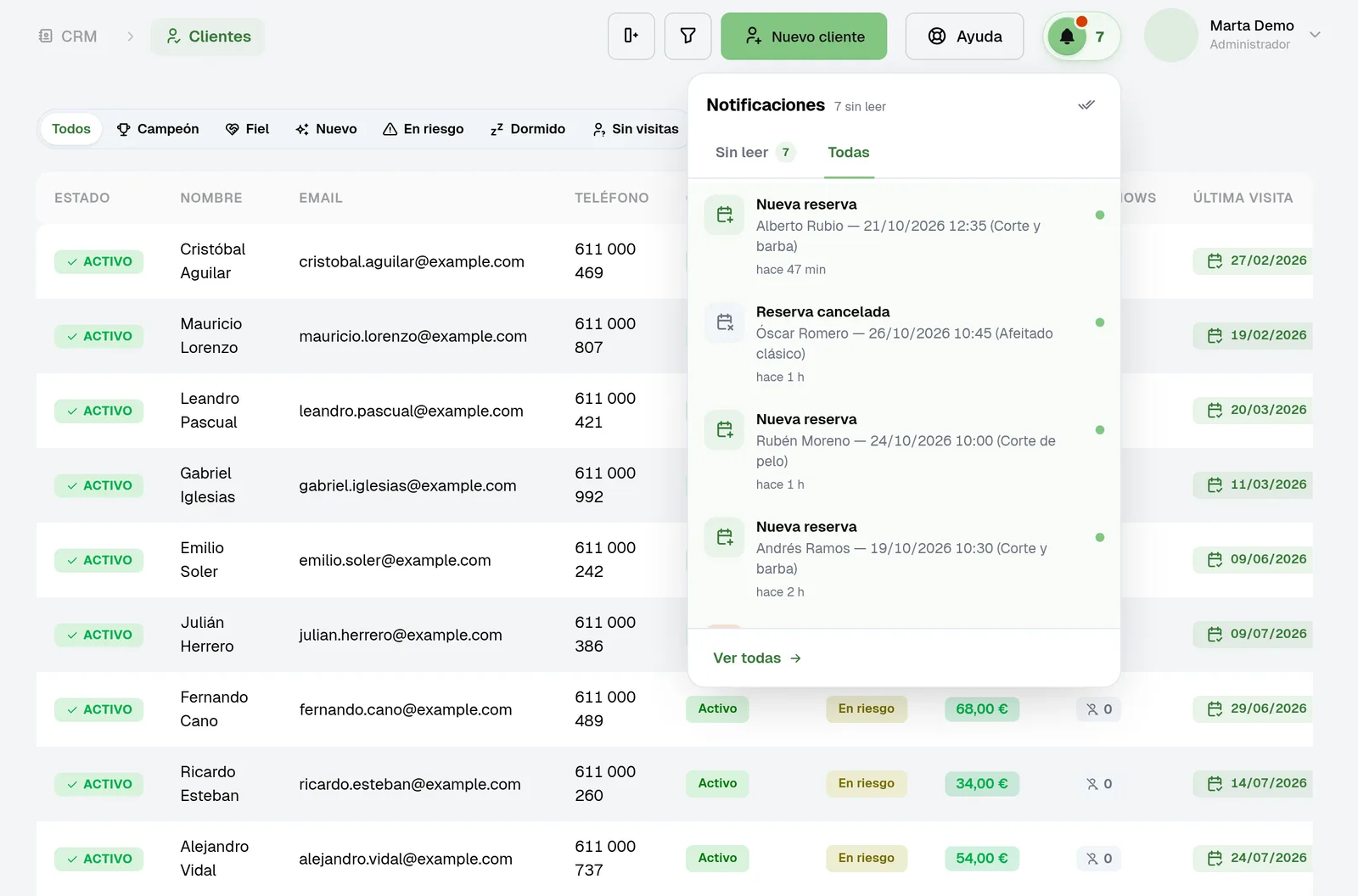
How to set up your notifications
Choose which alerts you get and on which channel, link Telegram in a minute and set up the daily summary and your clients' appointment reminders.
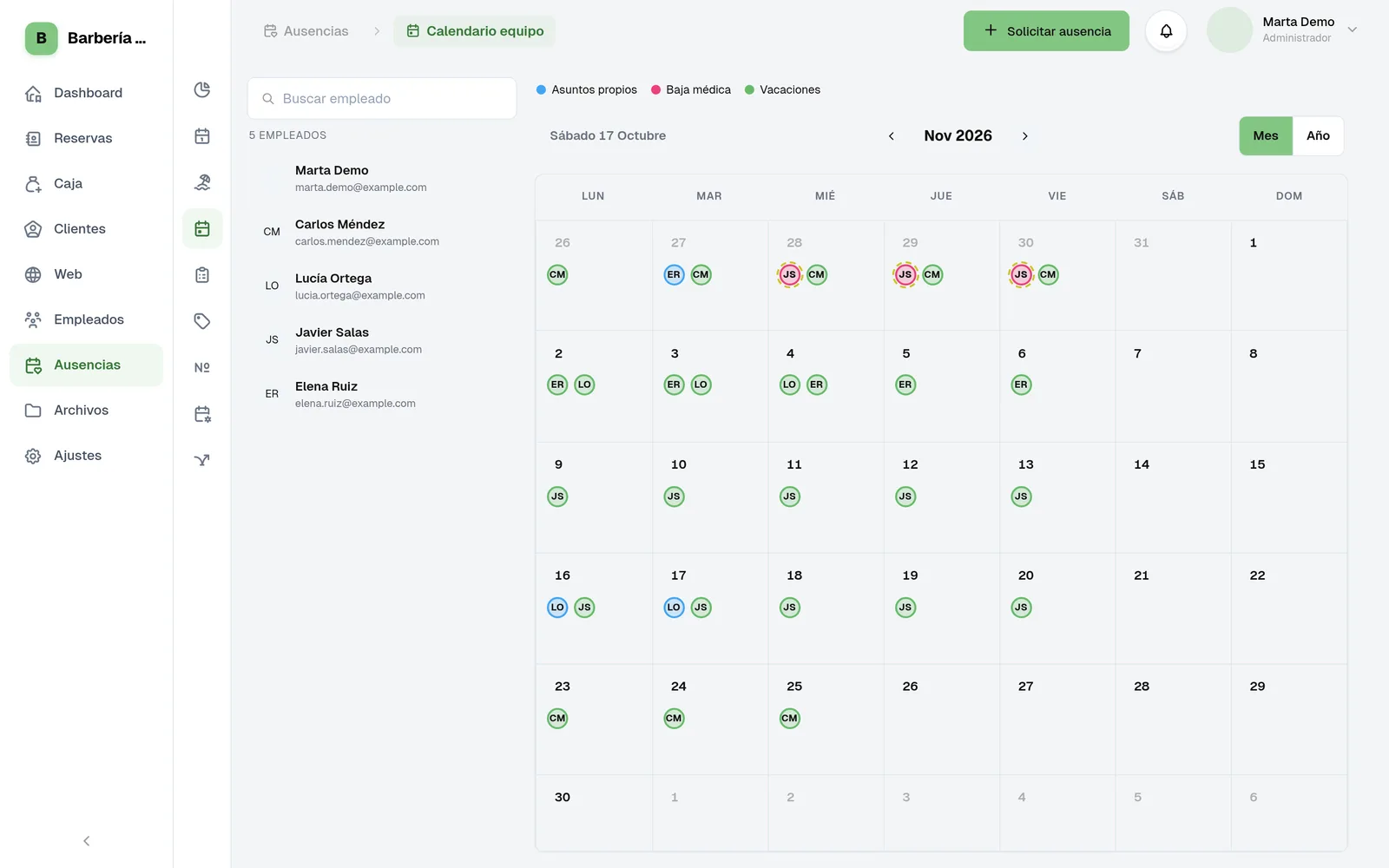
How to manage staff time off and holidays
Set up absence types and your work calendar once, and let your team request their days in Teraliv while the calendar blocks itself.