In-app support with the Help button
Click «Ayuda» (Help), tell us what's happening and follow the conversation in «Mis tickets» (My tickets). Your business emails also get a new look with your logo and colours.
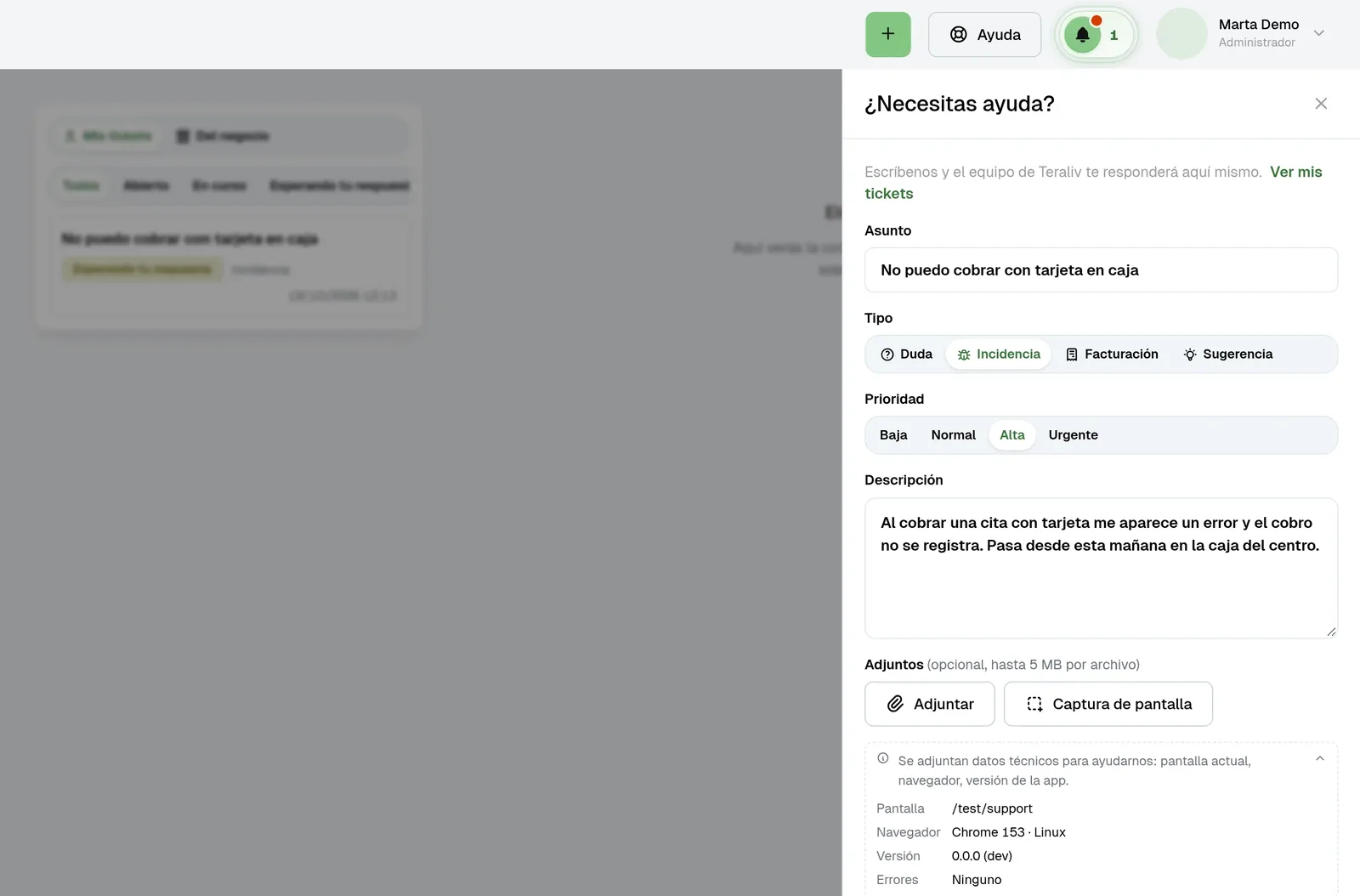
Until now, to ask us something you had to email or call us, and we usually had to ask you a few questions before we understood what was going on. From today you can ask for help without leaving Teraliv, and the conversation is saved in the dashboard.
The «Ayuda» (Help) button
At the top of the dashboard there's an «Ayuda» button. Clicking it opens the «¿Necesitas ayuda?» (Need help?) form, where you write a subject, choose the type and priority and describe what happened.
- Type: «Duda» (Question), «Incidencia» (Issue), «Facturación» (Billing) or «Sugerencia» (Suggestion). It helps your request reach the right person.
- Priority: «Baja» (Low), «Normal», «Alta» (High) or «Urgente» (Urgent). Only use «Urgente» if something important is stopping you from working, such as not being able to take payments or bookings.
- Attachments: images, PDFs, text files or ZIPs, up to 5 files of 5 MB each.
- Screenshot: the form hides for a moment, you choose which screen or tab to share and the image is attached automatically.
The ticket also includes some technical details that save us questions: the screen you were on, your browser and the app version. You can see them before sending.
Tip
Take the screenshot with the problem on screen. With an image we can usually sort it out first time.
Follow the reply in «Mis tickets» (My tickets)
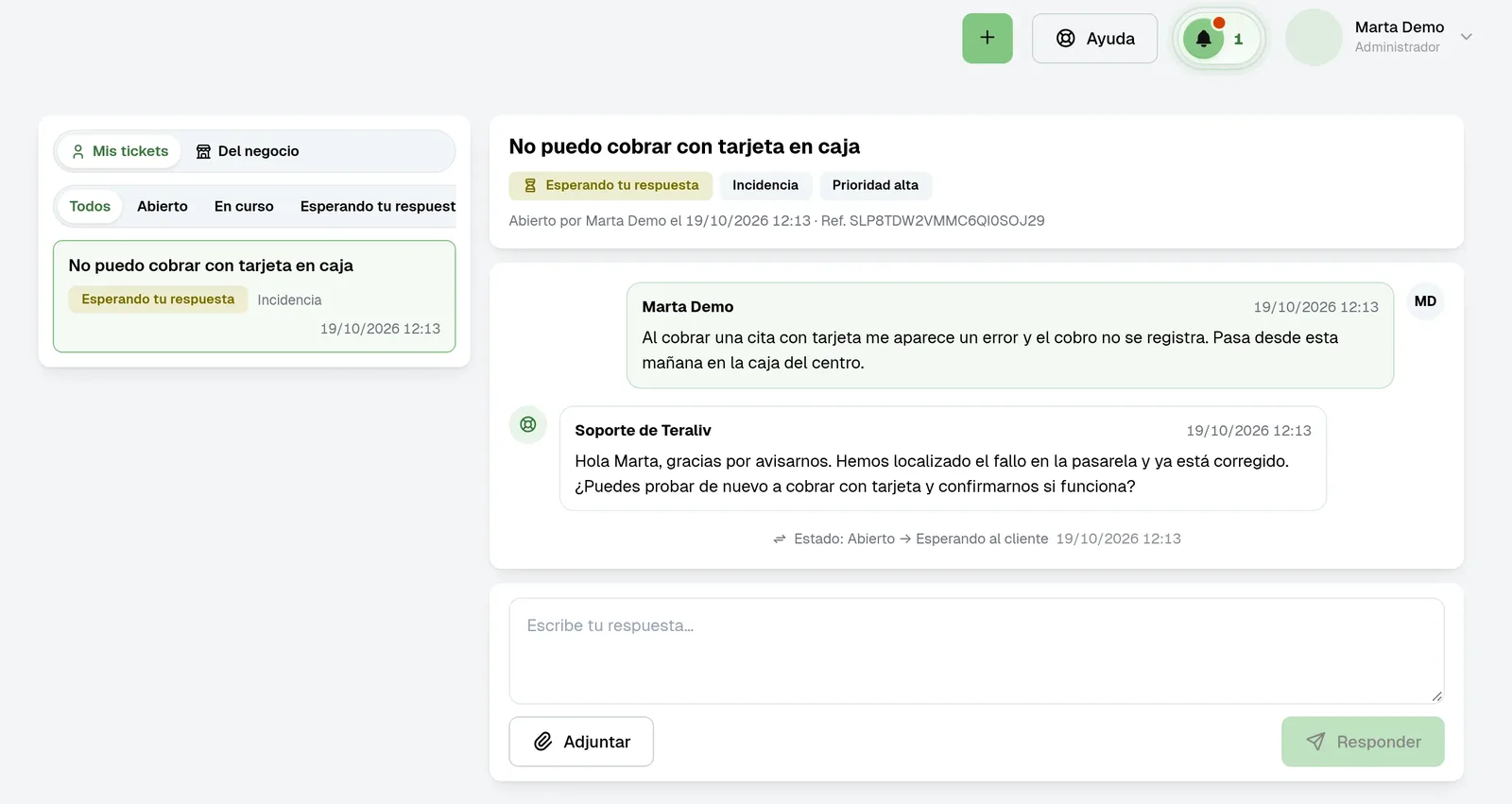
Once you click «Enviar a soporte» (Send to support), the ticket appears in «Mis tickets». There you can see the conversation, reply and, if the problem comes back, click «Reabrir» (Reopen). We'll let you know when the Teraliv team replies.
Each ticket has a status so you know where it stands:
- «Abierto» (Open): a new ticket, or one with a reply from you waiting to be reviewed.
- «En curso» (In progress): we're working on it.
- «Esperando tu respuesta» (Waiting for your reply): we need something from you.
- «Resuelto» (Resolved) and «Cerrado» (Closed): it's done.
If you have permission, «Del negocio» (Business) also shows the tickets opened by the rest of your team.
Your data is still yours
Opening a ticket doesn't give us access to your business data. If we need to go in to help you, we'll ask and you decide: in «Ajustes › Acceso de soporte» (Settings › Support access) you grant temporary access that expires on its own and that you can withdraw at any time. Every access is logged. We explain it in more detail on security.
Emails with your business's look
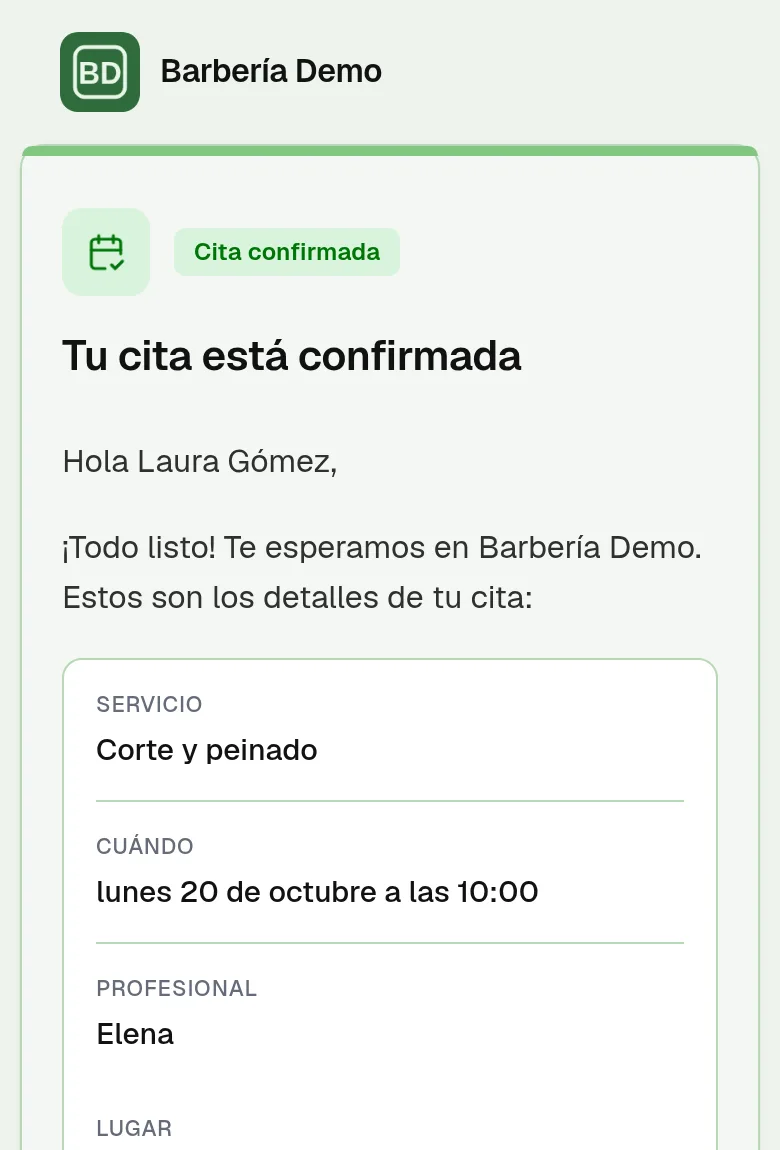
In this same update we've redesigned the emails Teraliv sends on your behalf: appointment confirmations and reminders, receipts, review requests and the rest of your notifications. They now carry your business's logo and colours, the same ones you set in «Ajustes › Marca» (Settings › Brand).
Support from people who know the product
We help you set up Teraliv and bring your data over from your previous software. Support is in Spanish.
You may also like
«?» help on every screen and team checkout
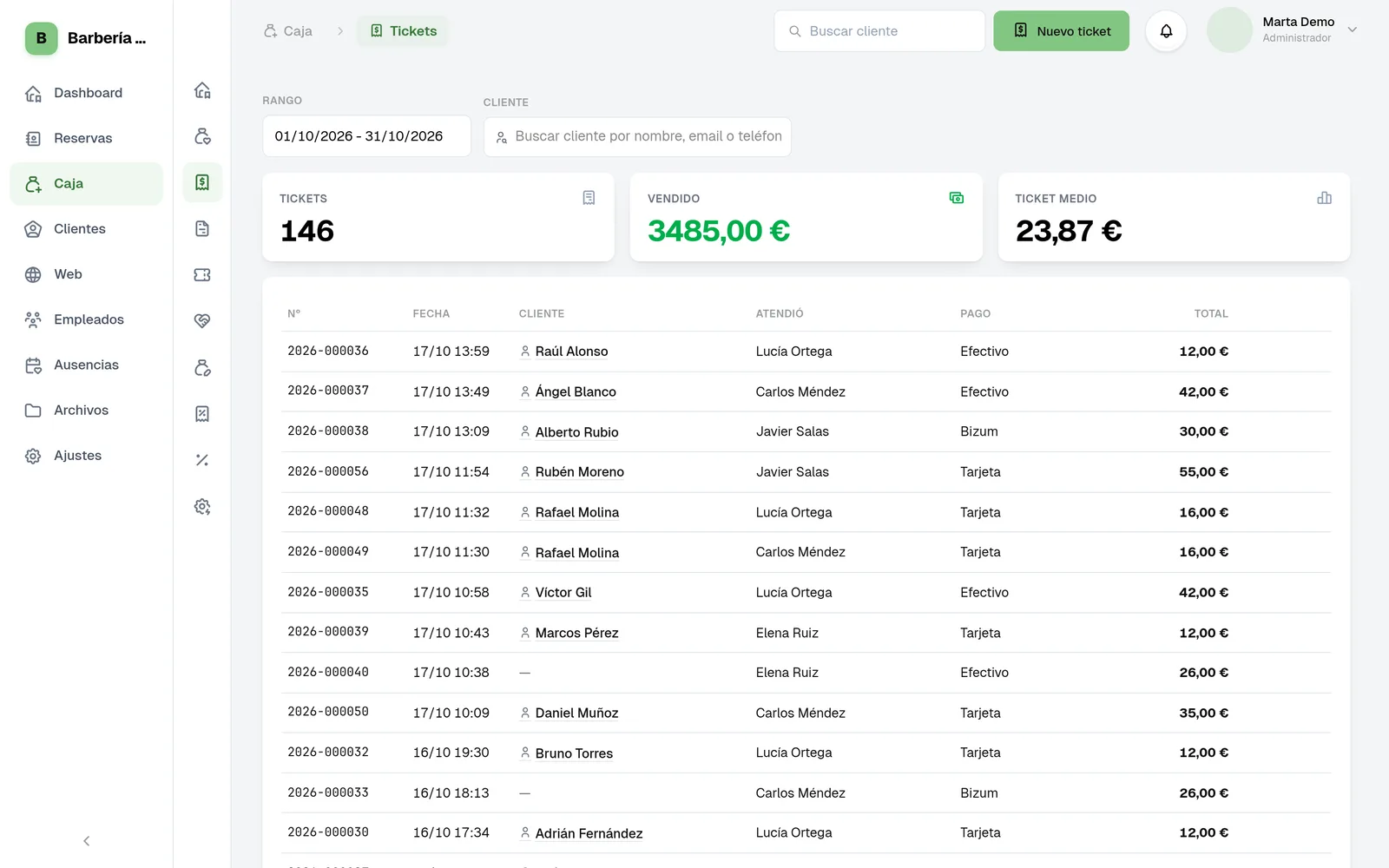
Every dashboard screen now has its own «?» help, and checkout separates your figures and your team's from the whole business, now in «Caja › Movimientos».
Send emails from your own business address
You can now connect your own email account so confirmations, receipts and notifications go out from your business's address.
Targets, forecasts and document signing
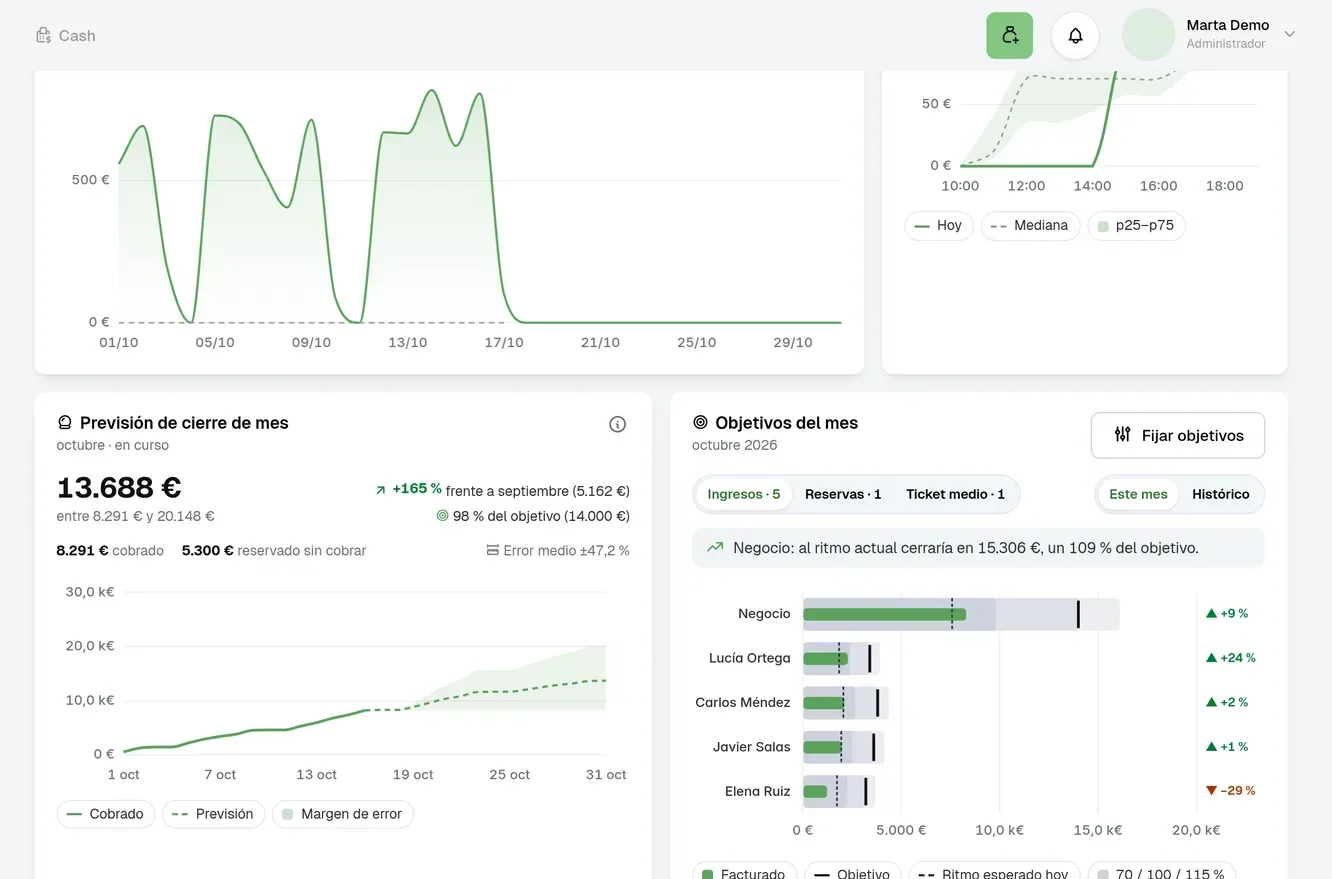
Set targets for the month, see how it will end with the forecast, request documents with a link and get your team to sign without printing anything.