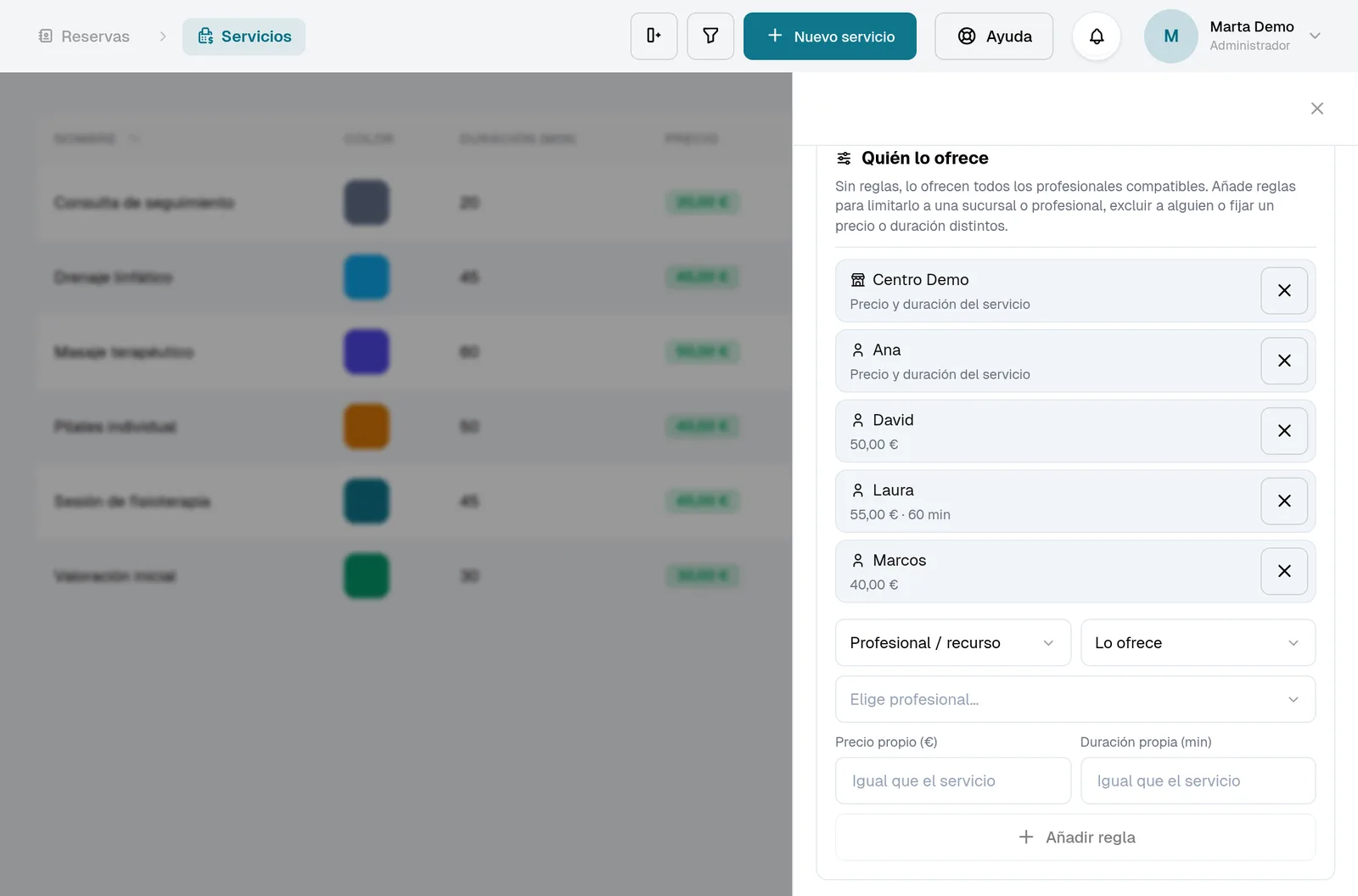
Start by setting up your services properly: the real length of each one with each professional is what prevents overlaps and dead time. If one professional takes longer than another for the same service, recording that in Teraliv means the online calendar only offers slots that genuinely fit.
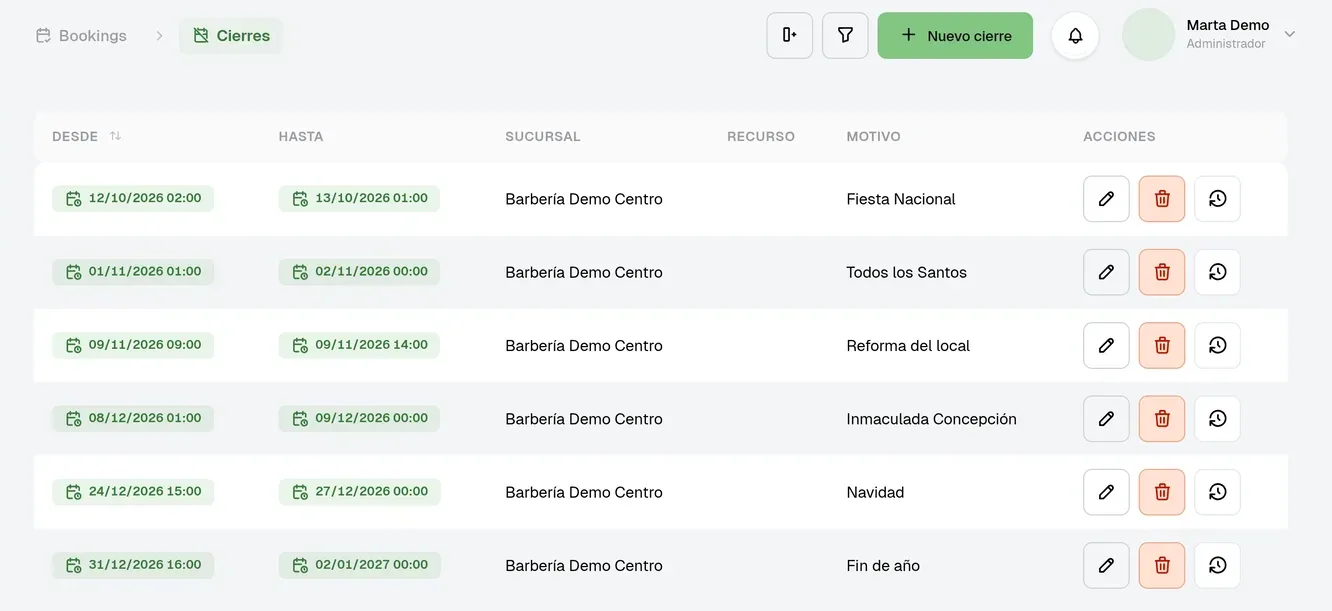
Mark closures and public holidays at the start of the year and ask your team to request their holidays in Teraliv. That way you'll never accept a booking on a day when nobody is there to see the client.
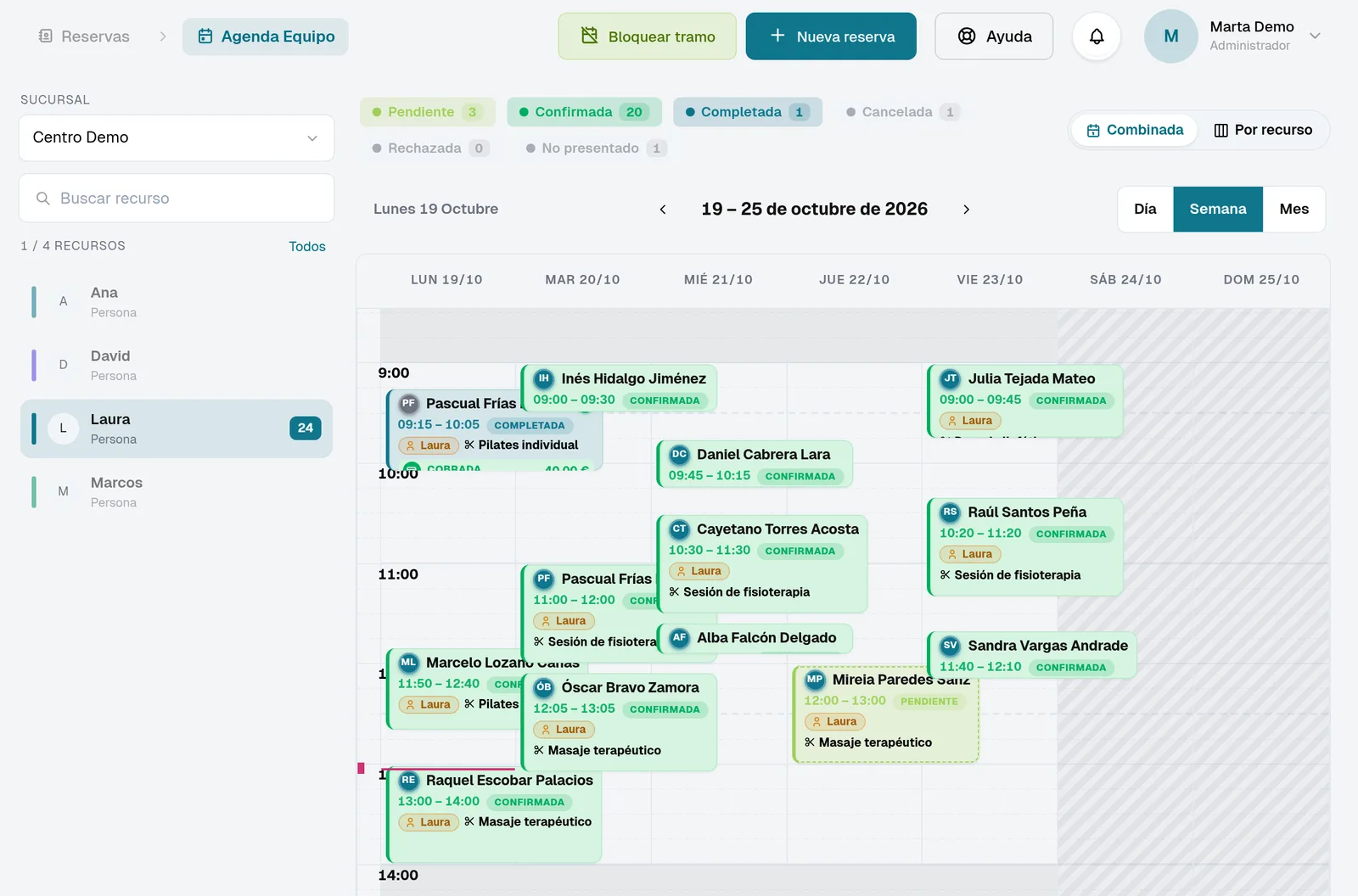
Use time blocks for breaks, training or team meetings, and the week view to spot quiet days in advance. If you see a Thursday with lots of free slots, there's still time to let your regular clients know.
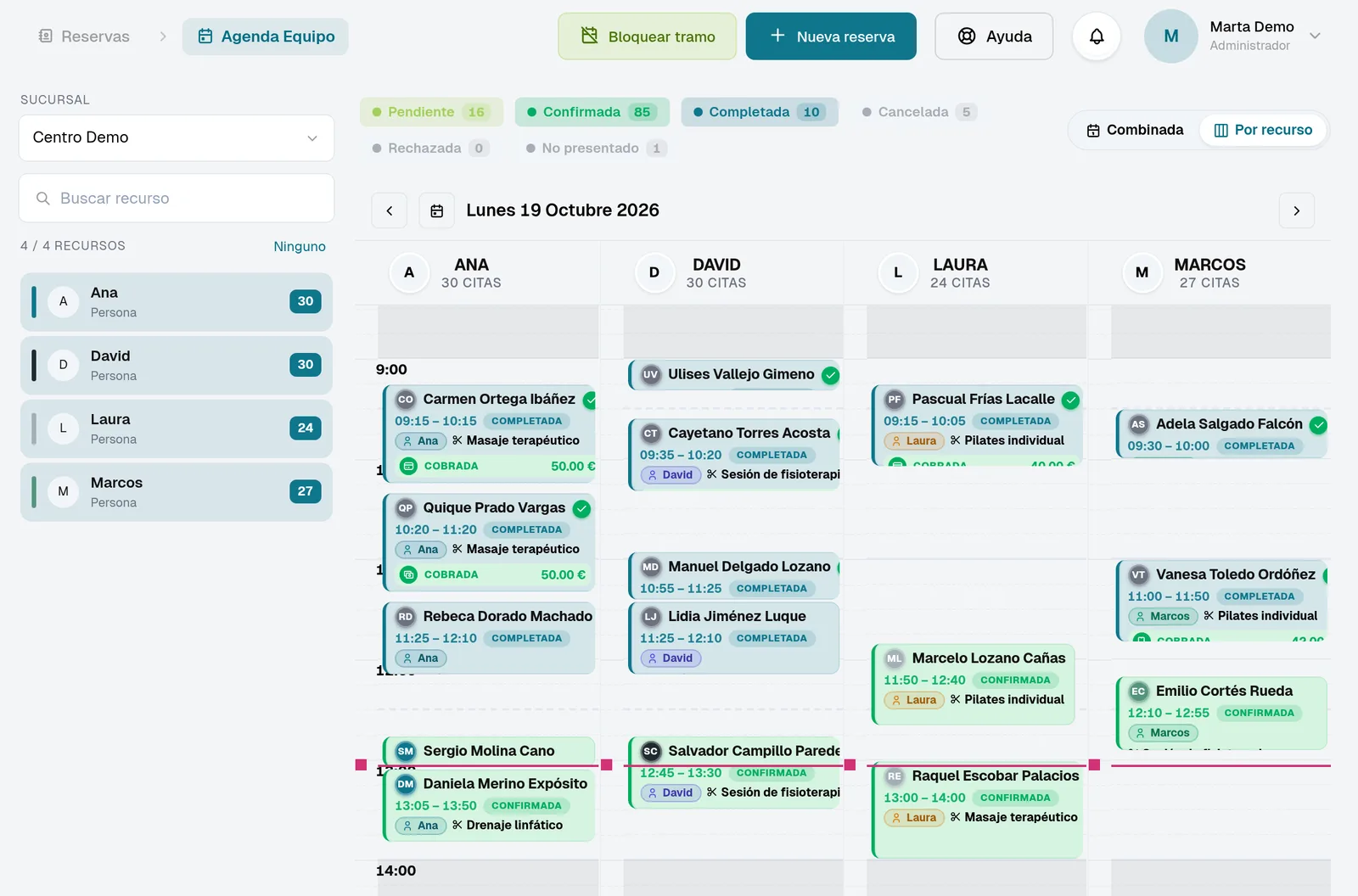
At the end of the day, check that the appointments you've seen are marked as completed and mark the no-shows. That data feeds your occupancy reports and helps you decide whether you need more people or more hours on a particular day.